
Comparison
Ember vs. LinearA calm Linear alternative
Linear is engineered for engineering teams. Ember is built for anyone who just wants to finish work.
Linear is a well-designed issue tracker built around sprints, cycles, and team velocity. If you're running an engineering org, it's excellent. But if you're a solo creator, freelancer, or small mixed team, the sprint model adds ceremony without value. Ember skips all of it.
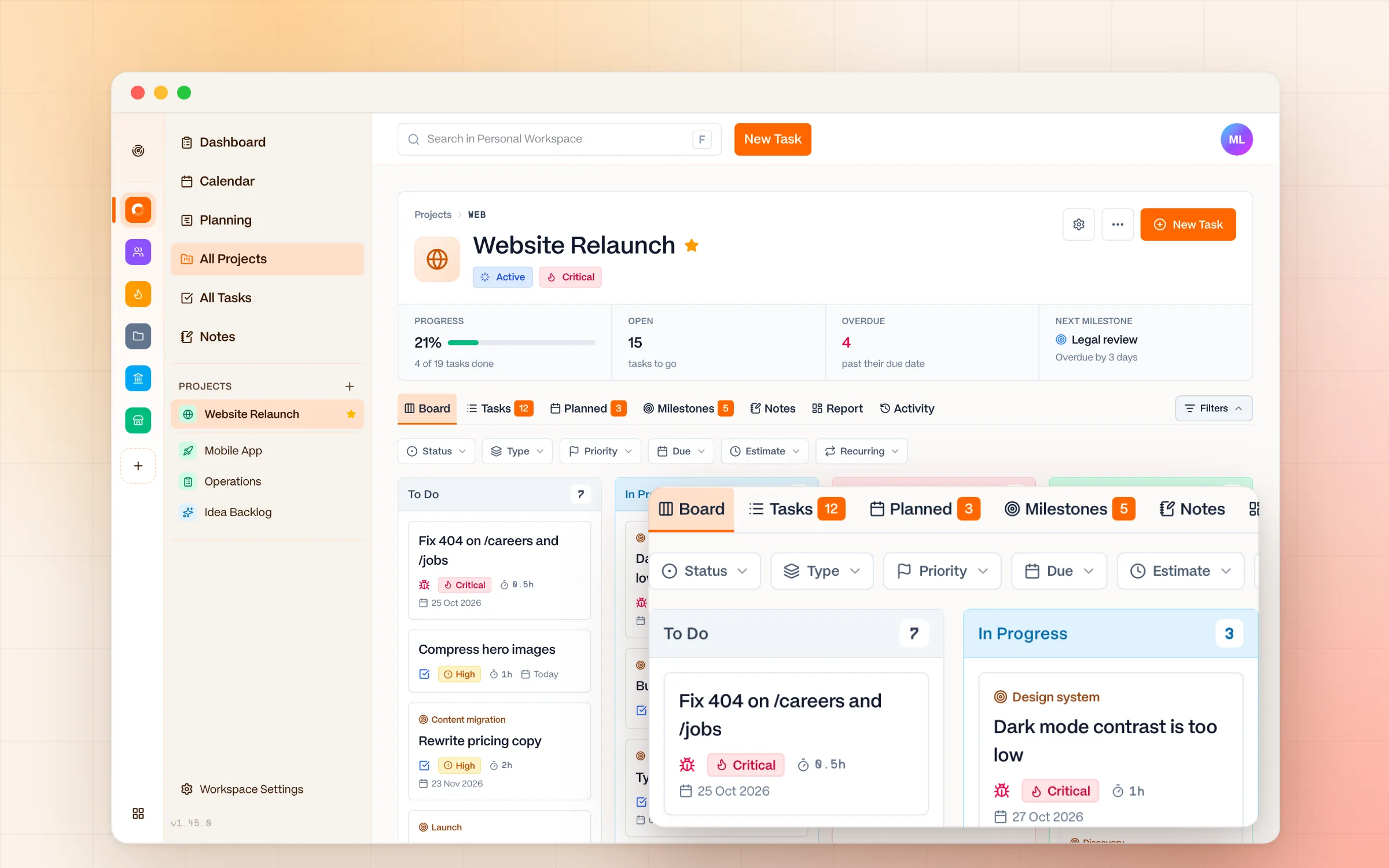
What you get with Ember instead
Milestones instead of cycles
Group work into milestones on a simple timeline, close them when they're done, and skip the two-week cadence.
Built for mixed work
Bugs, ideas, and plain to-dos live side by side, with Markdown descriptions, diagrams, and tickable checklists.
AI agents over MCP
Let an agent create tasks, plan milestones, or write notes in your workspace. Run it locally if you want your data to stay on your machine.
Quiet by default
No inbox and no notifications. Sonar gives you one calm overview across every workspace when you choose to look.
Ember vs. Linear: feature comparison
Last reviewed October 2026. Linear prices are list prices per user per month, billed annually, and can change. Check Linear's pricing page for current figures.
Why people move from Linear to Ember
Sprint overhead for non-engineering work
Cycles and sprint planning make sense for large engineering teams. For solo creators, designers, and founders, they add friction without benefit.
Activity feeds create ambient pressure
Seeing what everyone else is working on, or not working on, creates background noise. Ember is pull-based: you decide when to check in.
Team-oriented UI when you work alone
Linear is optimized for team visibility. If you're working solo or with one or two people, much of the interface is overhead you never need.
Notifications interrupting deep work
Issue status changes, cycle transitions, and mentions generate a stream of pings. Ember has zero notifications by design.
When Linear is the right choice
Linear is the right choice for product engineering teams that ship software in cycles and need GitHub integration, roadmaps, and shared team visibility. It's one of the best-designed tools in its category.
When Ember is the right choice
Ember is the right choice if you're a solo creator, freelancer, or small team that doesn't need sprints. If you want to plan your week, focus on today, and work without constant status updates. Ember fits that flow.
Ember vs. Linear: frequently asked questions
Is Ember a good Linear alternative for non-engineers?
Yes. Linear is built around sprints, cycles, and velocity for engineering teams. If you're a solo creator, freelancer, or mixed team, Ember drops the ceremony and keeps task management simple.
Does Ember support sprints and cycles like Linear?
No. Ember deliberately has no sprint or cycle model. You plan your week and focus on today without artificial two-week deadlines.
Does Ember have activity feeds like Linear?
No. Ember is pull-based with no activity feeds or always-on team visibility, so there's no ambient pressure from watching what everyone else is doing. Each project has an Activity tab that logs who changed what, but you only see it when you open it.
Can AI agents work with Ember?
Yes. Ember supports the Model Context Protocol (MCP), so any MCP-compatible agent can create and update tasks, plan milestones, and write notes in your workspace. You can run a local model so your data never leaves your machine, and every change an agent makes shows up in the project's Activity tab.
Is Ember cheaper than Linear?
Ember is free for 2 collaborators and €5/seat/month after that, with an education and nonprofit discount. Linear's paid plans run roughly $10–$16/user/month.
Keep exploring
Try the alternative
Ready to work without the noise?
Ember is free to start. No configuration required. Just open it and get to work.
No notifications • No setup • Cancel anytime